
The readings have helped me make better design choices for flyers. I work in the Campus Ministry Office on Campus, so making event flyers is something I do quite often. I've especially been using the color wheel much more often than I had before to create contrast that works throughout documents. I actually found a website that some of you may find helpful. You're able to select the color that you're using, choose what harmony of the colors you'd like and then generate the colors that will work. I've used it twice now, and it's been a helpful tool.
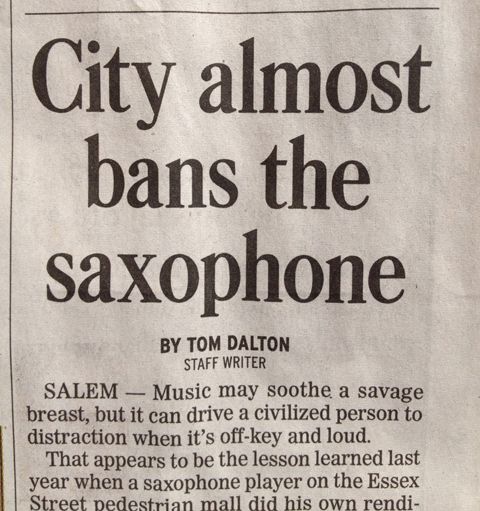
Something I was surprised to learn from the Poster Pointers Presentation was that only the first word in the headline, aside from proper nouns, is supposed to be capitalized. I've been noticing this a lot in newspapers now. I have tried to apply it to my papers for school, but having just the first word capitalized looks funny to me. Something that didn't completely make me lose my mind was learning that after punctuation at the end of a sentence, one space is all that is necessary. When I was in elementary school, I was taught that I needed two spaces, but in high school i was retaught that one space was all that was necessary.
Another thing that I've found helpful was identifying why things that are justified look weird sometimes, and that's because it often leaves rivers of white space in text. I knew why my work would sometimes look dumb, but I never had the name for it. With brochures especially now, I don't even bother trying to use the justified alignment setting. I always use right or left alignment depending on the design. Sometimes it will bother me when my text doesn't line up directly with an image I have, but it's a lot better than having an abundance of white space between words. It only really works when you allow the text to be hyphenated, and I really don't like hyphenated text.

